
Guide
How to Redeem a HushMemo App Store Promo Code
A visual, step-by-step guide to redeeming the single-use HushMemo code you received on your iPhone.
If you received a HushMemo promo code from our team, redeem it in the App Store on your iPhone. The code is normally single-use, so keep it private and redeem it with the Apple Account you plan to use for HushMemo.
Before you start
- Make sure your iPhone is signed in to the correct Apple Account.
- Copy the complete code from the message you received.
- Do not share the code in a public post, screenshot, or support forum.
Redeem the code on your iPhone
1. Open your App Store account
Open the App Store, then tap your photo or the sign-in button at the top of the screen.
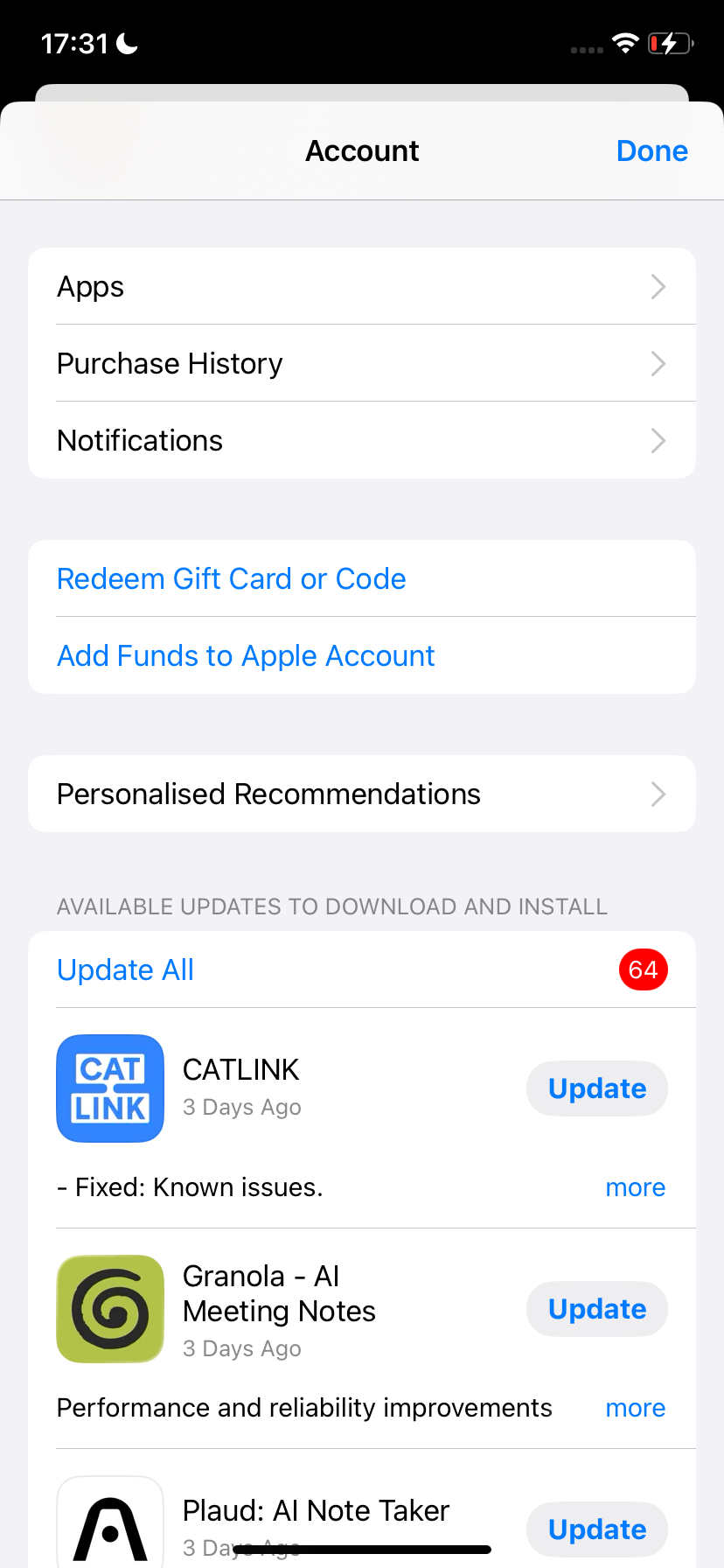
2. Choose “Redeem Gift Card or Code”
In the Account sheet, tap Redeem Gift Card or Code.
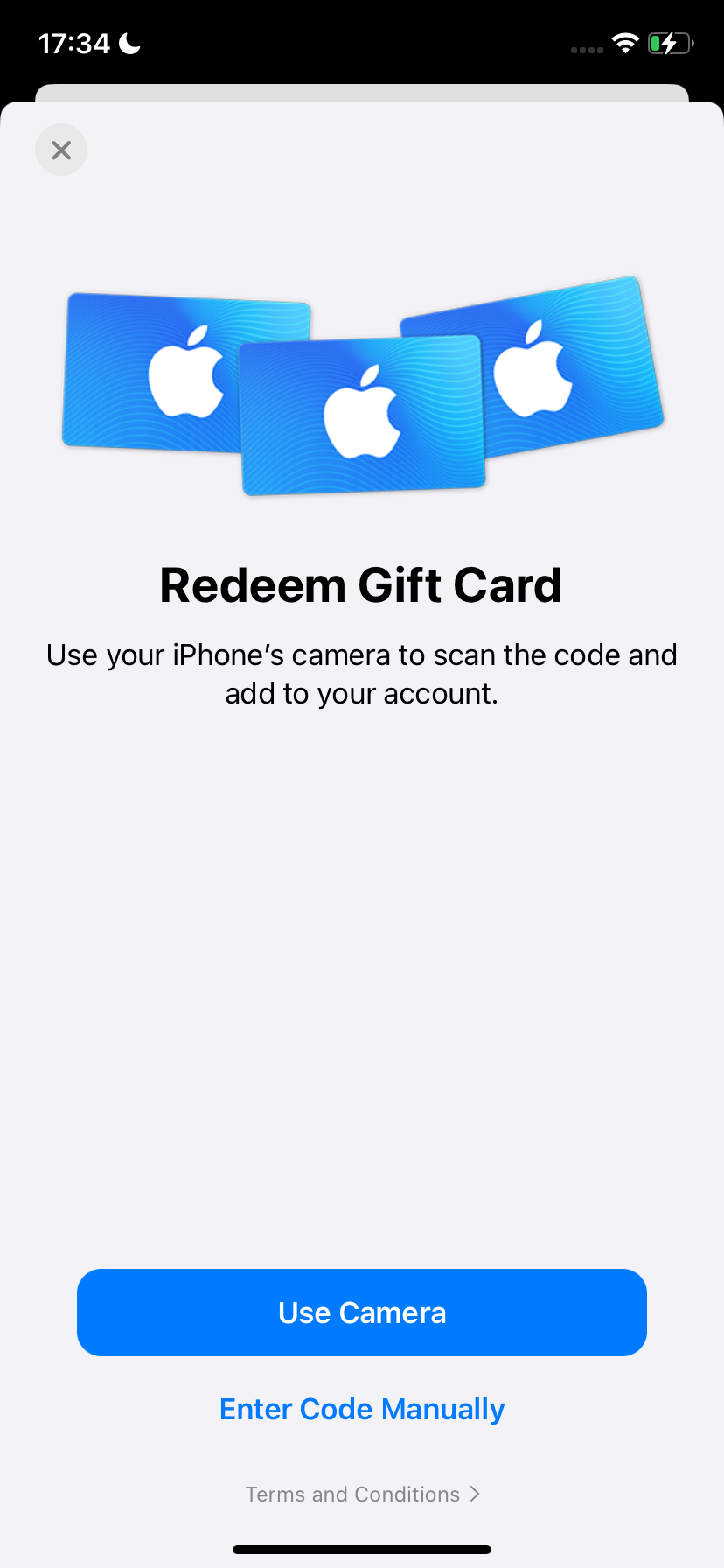
3. Choose manual entry
Tap Enter Code Manually. Promo codes sent as text are easier to paste than scan with the camera.
4. Paste your code and tap “Redeem”
Paste the complete code into the field, check that there are no extra spaces, then tap Redeem. We intentionally do not show a real code in this guide.
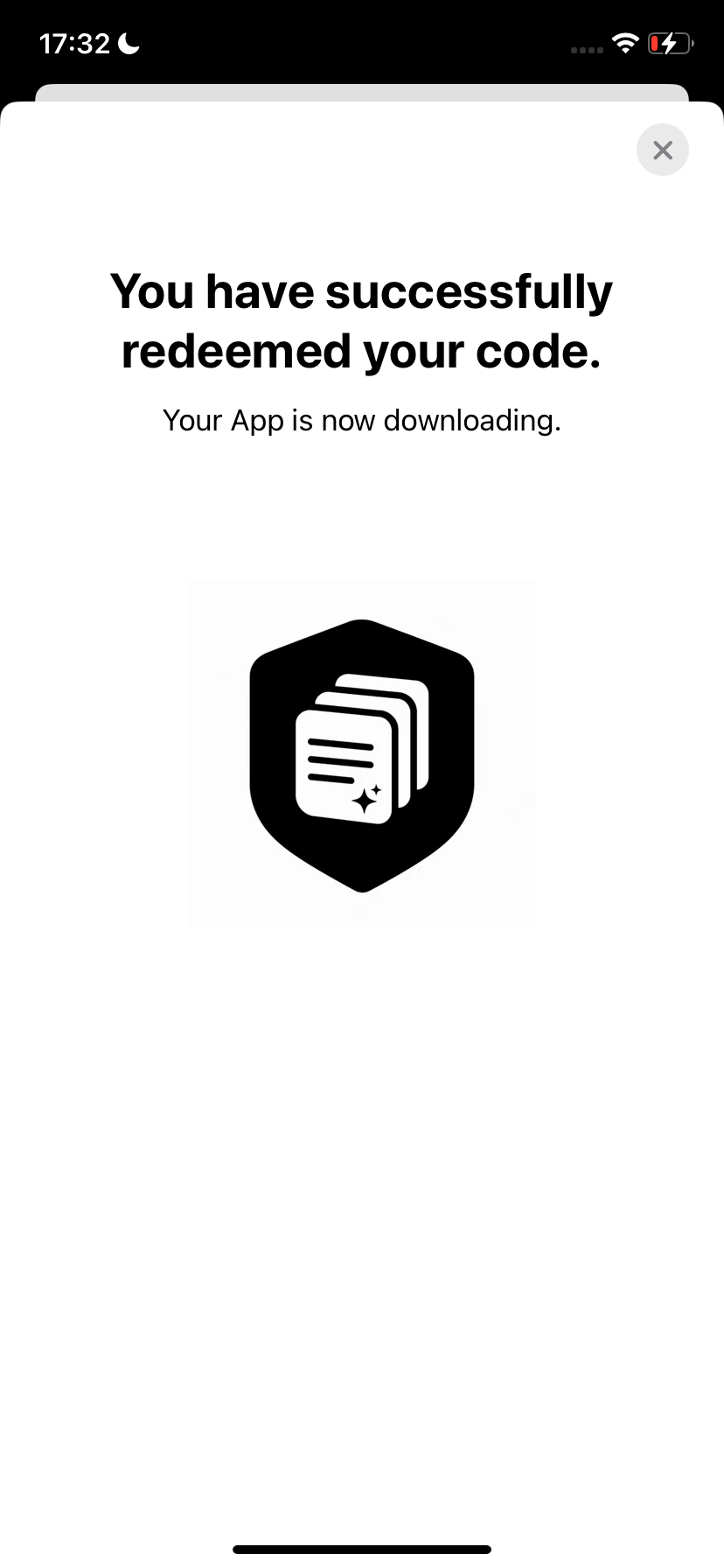
5. Wait for the confirmation
When the redemption succeeds, the App Store confirms that the app is downloading.
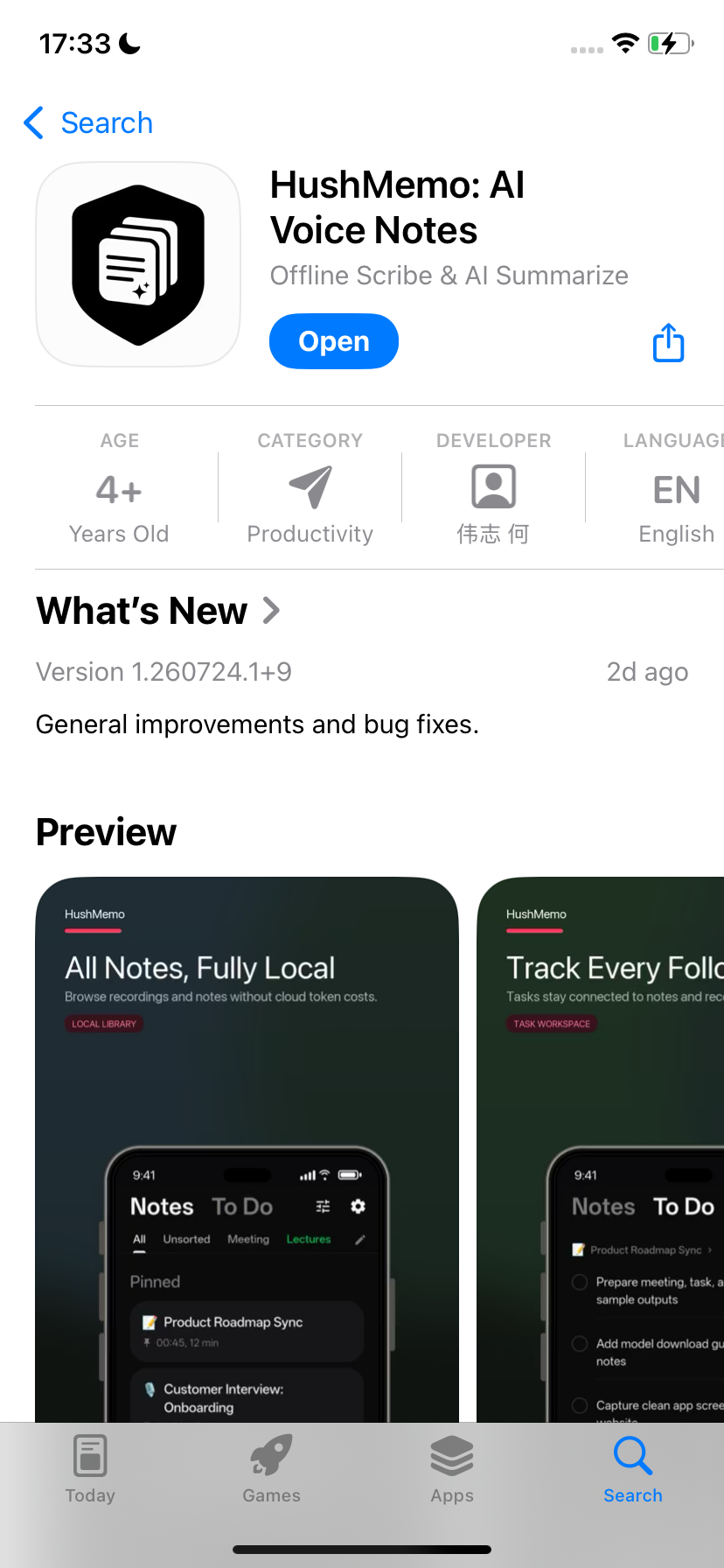
6. Open HushMemo
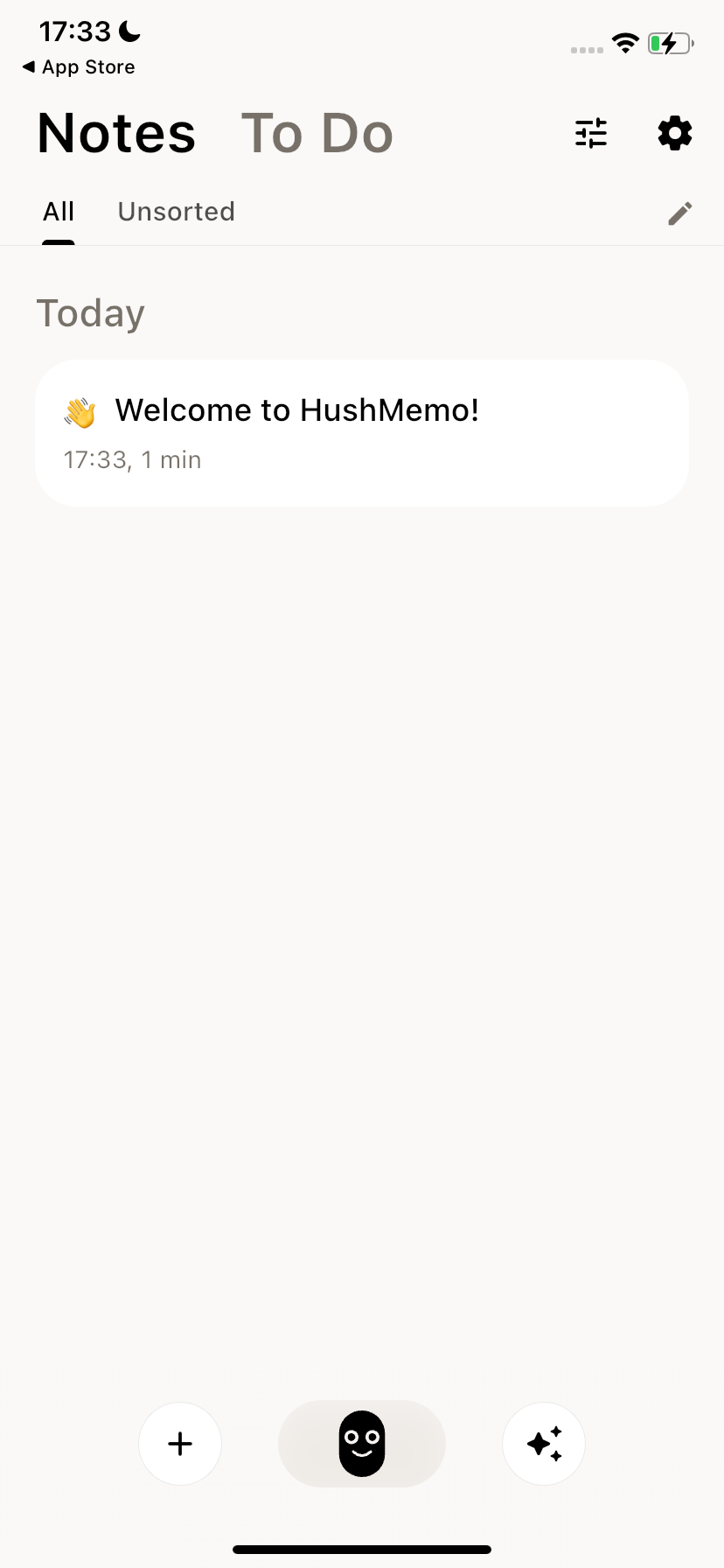
When the download finishes, tap Open on the App Store page. HushMemo will create a welcome note the first time it launches.
If the code does not work
You cannot see “Redeem Gift Card or Code”
Sign in to your Apple Account in the App Store, then open the account sheet again.
The code says it was already redeemed
The code may already be attached to your account. Sign out of the App Store on your devices and sign back in to refresh the account. If the app still is not available, send HushMemo support the exact error message.
The code must be redeemed in another country or region
Apple codes can be limited to the country or region in which they were issued. Check that your Apple Account storefront matches the code’s region.
The code is invalid
Paste it again and check for missing characters, extra spaces, or look-alike letters and numbers. If it still fails, contact us with the exact App Store message. Keep the code out of public screenshots.
After installation
Open HushMemo and follow the model setup prompts before starting local transcription or summaries. For long recordings, processing time depends on your iPhone model, recording quality, available storage, and the local models you select.